
Last updated September 15, 2026
Photos of Mother’s Day cards serve as visual inspiration for creating personalized greetings. To select the perfect design, you should narrow down high-resolution stock concepts to three favorites, then use a social poll to gather anonymous family feedback, ensuring your final choice resonates emotionally with Mom.
Key takeaways
- Trend Awareness. Research current card aesthetics like minimalist linework or whimsical florals before choosing a layout.
- Conflict Resolution. Use anonymous social polls to resolve sibling disputes over which childhood photo Mom actually wants to see.
- Print Standards. Ensure uploaded images meet the 300 DPI resolution standard for crisp printing on materials like acrylic or linen.
- Format Testing. Compare physical card textures against digital video cards using media polls to gauge the "wow" factor.
- Efficiency. Retailers frequently offer same-day pickup for last-minute custom photo cards to help customers maintain design quality on tight schedules.
Navigating the Thousands of Photos of Mother’s Day Cards
Finding the right aesthetic begins by filtering through the massive volume of professional imagery. You need a baseline for your custom design. According to Getty Images, there are over 4,700 high-resolution stock images specifically tailored for Mother’s Day inspiration. Don’t look for a finished card when sifting through these thousands of photos. Instead, hunt for the vibe that matches your mother’s personality.
Designers often categorize these visuals into two primary buckets:
- Minimalist modern. Think clean lines, lots of white space, and single-subject photography.
- Traditional floral. This means soft pastels, classic roses, and elegant calligraphy.
Analyze professional layouts to see how specific color palettes and font choices frame a photo. This step is vital. It moves you away from generic templates toward personalized photo cards that feel curated. While stock photography provides a professional foundation, our data shows that custom cards featuring candid family moments create significantly higher emotional engagement than staged studio portraits. Focus on images that capture a feeling. Skip the stiff poses.
Which of These Photos of Mother’s Day Cards Do You Prefer?

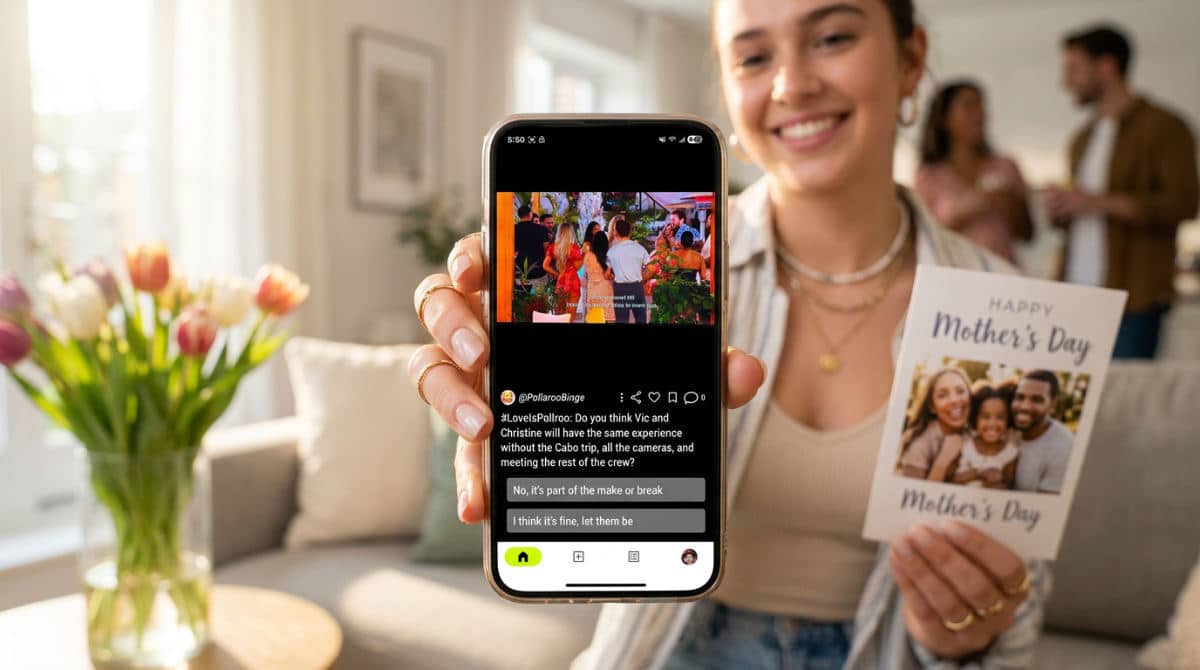
Social polling tools transform the subjective task of choosing a photo into a data-driven decision. We built Pollaroo to help you upload different card designs so your family can vote anonymously on the best one. This removes the pressure of direct confrontation. It is a lifesaver when siblings fight over which childhood memory is actually card-worthy.
Pro Decision Tip: Upload two card variations to a social poll to see which one generates more ‘heart’ reactions before spending money on printing.
You can also test different Mother’s Day card captions through social voting. See which message hits the right note. You might poll a sentimental quote against a funny inside joke (I’d go with the joke every time). See which resonates more with your specific family dynamic. Current design trends suggest that some demographics now favor minimalist imagery, while others continue to prefer traditional, text-heavy sentiments.
Running a real-time poll ensures your final choice isn’t just a guess. It’s a consensus. By optimizing photos for engagement through feedback, you avoid the disappointment of Mom receiving a card that feels out of touch. You might be choosing between a beach vacation shot or a quiet garden moment. Let the group weigh in. This ensures the final product is a collective tribute.
Comparing Modern Card Formats and Physical Textures
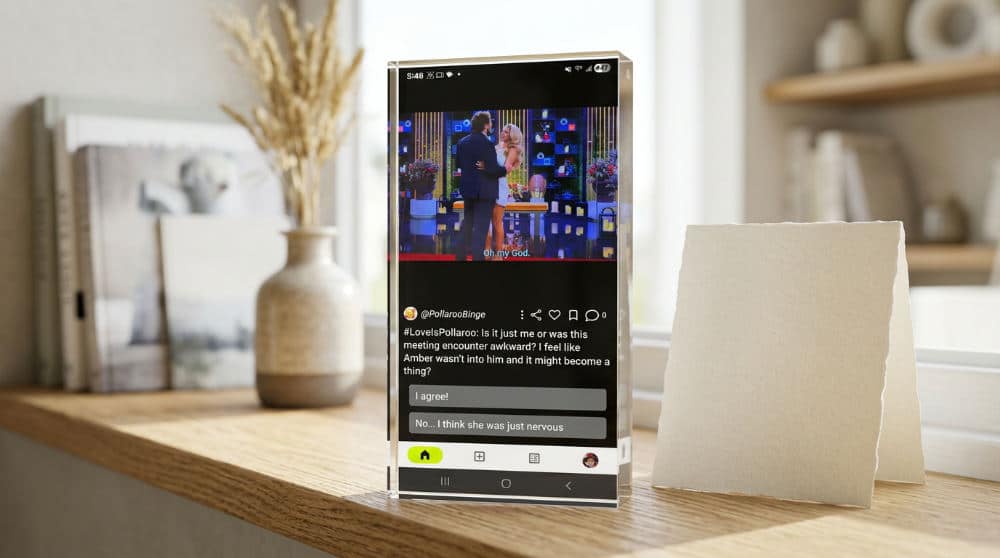
Material matters. Choosing the right texture for your photo is just as important as the image itself. The texture changes the visual impact entirely. Standard linen cardstock provides a classic, tactile feel that is perfect for traditionalists. However, the world is moving toward modern alternatives. Retailers like Snapfish now offer Snapfish options including foil accents, metallic textures, and even wood stand displays.
| Card Format | Best Use Case | Visual Impact |
|---|---|---|
| Linen Cardstock | Traditional mailing | Classic, matte, textured feel |
| Acrylic Photo Blocks | Desk or mantle display | Modern, high-gloss, 3D depth |
| Canvas Prints | Wall art centerpiece | Artistic, heavy texture, durable |
Resolution Alert: Always check your image quality on a desktop monitor (what looks clear on a small phone screen may appear blurry when printed on an acrylic block).
Foil Seal & Send Cards offer an elegant way to maintain quality for large extended families. They simplify the mailing process. If you want a true keepsake, pick acrylic photo blocks. The premium, glass-like finish makes colors pop. Regardless of the material, you must ensure your photo resolution is high enough. A photo that looks great on matte paper might look grainy on a high-gloss metallic finish.
Common Mistakes When Choosing Card Imagery
The most frequent error is using low-resolution digital files. They result in blurry, pixelated prints. Services like Walgreens Photo or Snapfish will often flag low-quality images. If you ignore these warnings, the final physical product will suffer. Another common pitfall is overcomplicating collage-style cards. Don’t add too many small photos. It looks cluttered and no single memory stands out.
- Ignoring Safe Zones. Every design template has "trim lines." If you place a head too close to the edge, it will be cut off.
- Screenshotting Images. This is a disaster. Taking a screenshot strips metadata and reduces file size. It makes photos unsuitable for high-quality printing.
- Misjudging Tone. A "funny" card for a mother who values traditional sentiment will fall flat.
- Poor Lighting. Dark photos print even darker on paper.
Try running photo poll ideas with friends to avoid these issues. See if they spot any visual flaws or tone-deaf humor you might have missed. A fresh set of eyes sees the clutter you have become blind to.
Practical Checklist for Printing the Perfect Photo Card
Verify your photo is at least 300 DPI. Save it as a high-quality JPEG or PNG. If you are unsure if your message is current, leverage Pollaroo’s real-time voting to see which captions are trending nationwide. This provides fresh inspiration. You can see what other people find meaningful or funny this year before you commit to a print run.
- Verify Resolution. Check that the file size is at least 1MB for a standard 5×7 card.
- Poll the Family. Use a media poll to compare photos of physical cards versus digital video cards.
- Check Lighting. Cross-reference your design with professional lighting tips.
- Select a Provider. Walgreens Photo is excellent for same-day pickup, while specialty shops are better for foil and acrylic finishes.
Gather your feedback. Double-check your files. Proceed with confidence. Choosing the right provider is the final step. If you need it today, local retail pickup is your best bet. High-end textures like linen or wood stands usually need a week for shipping. Using social feedback throughout this process ensures the card Mom opens is exactly the one she wanted.
Make sure your design is a winner. Download the Pollaroo app to start a poll and get real-time, anonymous feedback on your card designs today.
Frequently asked questions
How do I make a photo Mother’s Day card?
Select a design template from a provider like Snapfish or Walgreens. Once you have a layout, upload a high-resolution photo and customize the text and layout to fit your style. Always review the digital proof carefully for any text alignment issues or cropped faces before finalizing your order for print to ensure the final product looks exactly as intended.
Where can I find free pictures of Mother’s Day cards?
Browse stock photography sites for inspiration, though these images are typically for viewing or reference rather than free printing. You can use design platforms like Canva, which offer free templates with basic photo elements. However, for the most personal touch, capture your own high-quality family photos to ensure your card is unique, copyright-free, and emotionally resonant.
How do I choose between a funny or sentimental photo card?
Consider your mom’s typical sense of humor and her past reactions to holiday greetings. If you’re torn, run an A/B photo poll with your siblings to see which direction feels more authentic to your family dynamic. You can also look at trending 2026 social data to see if "aesthetic" or "heartfelt" styles are more popular this year.
What resolution should my photos be for a Mother’s Day card?
Aim for a minimum of 300 DPI (dots per inch) for standard 5×7 cards to ensure a crisp print. Check that your file size is at least 1MB to avoid pixelation, especially if you are printing on larger formats like canvas or acrylic. Avoid using screenshots, which typically have very low resolution and will look blurry when printed.
Are digital photo cards better than physical printed ones?
Physical cards offer a tactile keepsake that many moms prefer to display on a mantle or in a scrapbook. On the other hand, digital video cards allow for interactive elements, music, and instant delivery without shipping costs. If you are unsure which your specific recipient would appreciate more, use a poll to compare the two formats.