
Last updated September 9, 2026
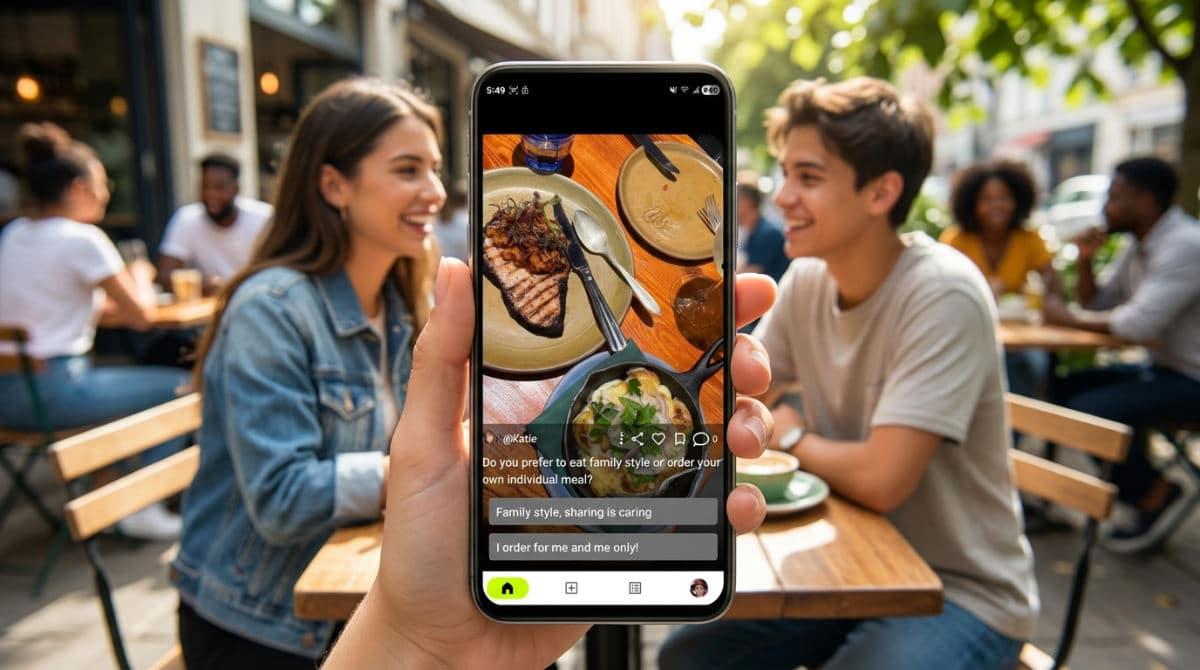
Social media photos are visual assets used to stop the scroll and invite interaction. Unlike static images, optimized photos for social polling act as decision-making tools. They rely on specific aspect ratios and high-contrast subjects to prompt users to vote, comment, and share their opinions in real-time.
Key takeaways
- Interactive photo polls generate higher engagement than static image posts.
- Vertical 9:16 aspect ratios are the emerging standard for mobile-first voting experiences.
- Anonymous polling features lead to more honest user feedback than public-facing comments.
- High-conversion visuals prioritize ‘This or That’ comparisons to reduce user friction.
- User-generated content (UGC) outperforms professional stock photos in authenticity metrics.
The Evolution of Interactive Visual Content
Transitioning from passive viewing to active participation via photo voting allows brands to gather qualitative data fast. In the early days of social networks, a photo was a trophy or a broadcast. Modern social media photos are no longer just aesthetic placeholders. They are functional interfaces for crowd-sourcing opinions. When we view a photo today, we aren’t just looking at it. We are often being asked to judge it, rank it, or choose it over an alternative. This shift changes how we compose shots. We now focus less on artistic abstraction. We care more about the clarity that facilitates a choice.
Using interactive multimedia polls are the future to bridge the gap between static stock photos and interactive video content keeps your feed dynamic. While a single image is powerful, layering interactive elements over that image transforms it into a two-way street. Visual strategy in 2025 emphasizes two-way communication over broadcast-style messaging. You aren’t shouting into a void. You are starting a dialogue where the image serves as the prompt. Social media clinics that offer this type of engagement often recommend organizing visual assets to ensure they are ready for real-time interaction. By housing your best comparison shots and prompt-heavy visuals in one place, you can pivot quickly when a trend emerges. Our goal is to move beyond the "like" button. We want meaningful data points that tell you exactly what your audience prefers.
Technical Standards for Social Media Photos
Adhering to a modern Image Size Guide ensures your photos display correctly across mobile devices without awkward cropping. Nothing kills engagement faster than a poll where "Option B" is cut off by the UI or the phone’s bezel. High-resolution files from sources like High-Res Social Media Stock Photos provide the clarity needed for detailed ‘spot the difference’ or quality-check polls where every pixel counts. If you ask users to vote on a fabric texture or a logo’s sharpness, resolution isn’t just a technicality. It is the foundation of the user’s ability to participate.

2026 Standard: Social media image size guides are already being projected for 2026 to stay ahead of platform updates, ensuring your content never looks dated, according to Pinterest.
Priority should be placed on vertical 9:16 formats for Stories and Reels. You need to maximize screen real estate during the voting process. With a vast majority of social media users accessing platforms via mobile, your photo needs to own the entire screen to block out distractions. Pinterest remains a primary source for identifying current trends in color palettes and compositions that resonate with modern audiences. Beyond aesthetics, proper file compression is vital to ensure quick loading times. This directly impacts poll completion rates. If an image takes more than two seconds to load, the user has already scrolled past your poll. We recommend balancing high resolution with smart compression to keep your interactive elements snappy and responsive.
Maximizing ROI with Strategic Image Selection
Utilizing curated templates from Haute Stock helps maintain brand consistency while speeding up the content creation workflow. The Haute Stock membership platform demonstrates that consistent, prompt-based imagery turns casual followers into active participants and buyers. Instead of starting from scratch every time you want to ask a question, use a consistent visual framework. This allows your audience to immediately recognize your polls in their feed. Comparison photos are the most effective A/B style polling tool to drive high-volume comments and distinct data points. Whether it is two different outfit choices, two UI mockups, or even two different travel destinations, the side-by-side comparison reduces the mental energy required for a user to make a decision.
Pro Tip: Vertical stock videos and photos help create Reels and Stories faster without the need for constant filming, according to Haute Stock.
Face-free visual content, such as flat-lays or environmental shots, can build a deep personal connection. It allows the viewer to project themselves into the scene. When a photo is too specific to one person, it can sometimes feel exclusive. However, a beautifully shot workspace or a pair of shoes on a neutral background invites the user to imagine themselves in that context. Strategic use of text overlays can clarify the ‘This or That’ prompt. Putting a simple "A" and "B" in a high-contrast sans-serif font ensures that even a user scrolling at high speed understands the task. We’ve found that when you combine these elements, the focus remains on the choice itself. The production value of the image becomes secondary.
Psychology of the Photo Poll
The ‘This or That’ prompt reduces cognitive load by offering a binary choice that simplifies the user’s decision-making process. Humans are wired for comparison. It is much easier to say which of two items we prefer than to provide an open-ended critique of one. Pollaroo’s ability to facilitate anonymous answers allows for more honest photo-based feedback than public platforms where social pressure exists. On traditional social media, users often vote for what they think they should like to maintain their public persona. Anonymity strips away that performative layer. It gives you raw, truthful data on what actually appeals to people.
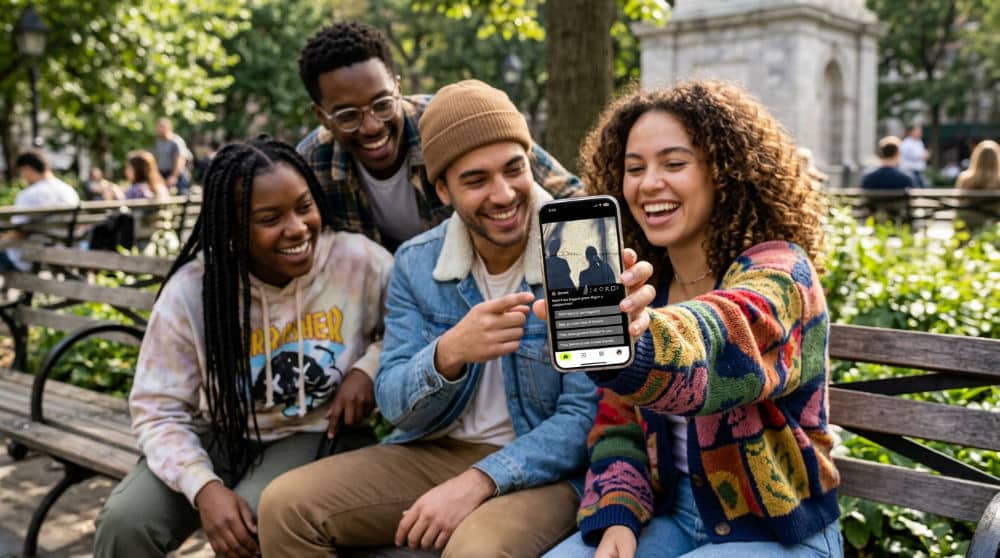
Using User-Generated Content (UGC) fosters a sense of community and trust. It feels more authentic than highly polished advertisements. A grainy, real-life photo of a customer using a product often carries more weight in a poll than a studio shot. It feels relatable. Visual storytelling through polls taps into the human desire to share expertise and personal preference. People love to feel like their opinion matters, and a well-timed poll provides that validation. Real-time voting feedback creates an immediate gratification loop that encourages users to return for future polls. When they see the results bar move instantly after their vote, it reinforces the value of their participation. This psychological hook is why we focus on making the polling experience as frictionless as possible.
Optimizing for Mobile Voting Experiences
Place the primary subject of your social media photos in the center ‘safe zone’ to prevent UI elements from obscuring the image. Most platforms overlay buttons, captions, and usernames on the edges of the screen. Keeping your visual "ask" in the middle ensures it stays legible. High-contrast imagery is essential for mobile users who may be viewing content in varied lighting conditions (like outdoors in direct sunlight). If your two comparison options look too similar in tone or brightness, the user won’t be able to distinguish between them quickly enough to care.
Utilizing a social polling app guide allows you to turn a single, high-quality photo into a nationwide opinion-gathering tool. For example, if you are a designer, you might post a split-screen photo of two different living room layouts. Ensure that any comparison photos are clearly distinguished. Use a distinct color border, a thin white line down the center, or contrasting backgrounds. This visual separation tells the brain there are two distinct choices to evaluate. Test your photo layout on multiple screen sizes to ensure the call-to-action is always visible and clickable. A poll that works on a large Pro Max screen might have its voting buttons obscured on a smaller mini-sized device. For more technical details on preparing your assets, refer to our social media images optimization strategy.
Common Mistakes in Social Visual Strategy
Over-editing photos can lead to a lack of trust, especially when asking for honest opinions on products or designs. If a photo looks too "Photoshopped," users may feel the comparison is unfair. They might think the options aren’t being presented truthfully. Authenticity is the currency of 2025. Ignoring technical specs leads to blurry or cut-off images that frustrate users and lower engagement metrics. A pixelated photo signals a lack of professional care. It makes users less likely to take your questions seriously.
Focusing solely on ‘likes’ instead of ‘votes’ misses the opportunity to collect valuable, actionable data. A like is a passive nod. A vote is a specific preference that can guide your future content or product development. Using overly generic stock photos without customization can make your brand feel detached and impersonal. Even the best stock image should be tweaked with your brand colors or a unique overlay to make it yours. Finally, failing to respond to the results of a poll can make your audience feel like their participation doesn’t matter. If you ask for their opinion, show them how that opinion changed your next move. For inspiration on how to keep things fresh, check out these 10 photo poll ideas to engage your circle.
Turning Static Images into Conversations
The future of social engagement lies in making every asset interactive and purposeful. We are moving away from a world where we just look at pictures toward a world where we use pictures to make collective decisions. Start by experimenting with different photo types to see which specific visuals prompt the most feedback from your unique audience. Whether it is high-end photography or raw UGC, the key is to ask a question that people actually want to answer.
By focusing on clarity, technical precision, and psychological triggers, you can transform your feed from a static gallery into a thriving community hub. If you’re ready to see how your photos can spark real-time debates and gather genuine insights, you should download Pollaroo today. Transform your gallery into a dynamic engine for nationwide insights and real-time interaction.
Frequently asked questions
How to increase engagement with social media photos?
To drive more interaction, incorporate interactive elements like ‘This or That’ voting prompts. Use high-contrast, vertical imagery that commands attention on mobile screens and effectively stops the scroll. The most important factor is asking a specific question that requires a visual comparison to answer, giving users a clear reason to stop and engage rather than just viewing.
What are the best photos for social polls?
The most effective photos are comparison shots showing two distinct options, often referred to as A vs. B layouts. Authentic User-Generated Content also tends to perform better than stock imagery because it feels more relatable and real to the average user. Regardless of the content, keep the images clear and uncluttered with a single, obvious focal point.
Where can I find royalty-free images for social media?
Getty Images is an excellent source for high-resolution professional stock when you need a polished look. For those seeking styled, marketing-focused photography and templates, Haute Stock offers a curated membership experience. For general lifestyle imagery that doesn’t cost anything, free sites like Unsplash are reliable options for finding high-quality backgrounds and textures.
Can I use anonymous photos to get more honest feedback?
Yes, using apps like Pollaroo allows for anonymous voting, which is critical for removing social bias. Anonymity encourages users to vote based on their true preferences rather than how they want to be perceived by their peers. This is particularly effective for sensitive or subjective topics like fashion critiques, honest product testing, or personal style choices.
Should I use text overlays on my social media images?
Text overlays are highly effective for clarifying the specific question or prompt being asked. However, you must keep the text minimal and strategically placed in the top or bottom third of the frame to avoid blocking the primary subject. Always ensure there is high contrast between the text color and the background photo so it remains legible on small screens.