

Last updated August 30, 2026
High-quality social media images are the foundation of digital engagement. This guide covers how to select, format, and optimize visuals to stop the scroll and drive participation. We have compiled data from design authorities and real-time polling metrics to ensure your visual content outperforms the competition across every platform.
1. Audit your image orientation based on device behavior.
Vertical and portrait orientations are built for touch-screens. They thrive on the mobile swipe. Your choice of orientation dictates how much physical space you occupy. Vertical shots utilize a larger portion of the screen height. This helps you capture user attention and minimize the visibility of competing content. Save horizontal "landscape" orientation strictly for desktop presentation slides. That is where side-to-side scanning is the norm.
"Vertical and portrait orientations are optimized for touch-screen and mobile swipe gestures." — Pinterest
Always test how images auto-scale when converted into interactive voting buttons. If a portrait photo is forced into a square button, you might lose the most important visual data at the top or bottom. We prioritize vertical crops for any campaign designed for mobile users to maximize screen real estate and capture attention immediately. By matching your layout to actual device behavior, you reduce friction for the user. It works.
2. Leverage Pollaroo for interactive photo polls.
Interactive images drive higher participation than static posts because they invite the user to influence the outcome. Static posts often struggle to generate deep engagement. Users feel pressured by their public profiles. At Pollaroo, we solved this by allowing anonymous voting on any image topic to ensure honest feedback without social pressure. Our platform supports photo polls where images are the primary interactive element rather than just static decor. We ditched the delayed reach of typical social feeds.
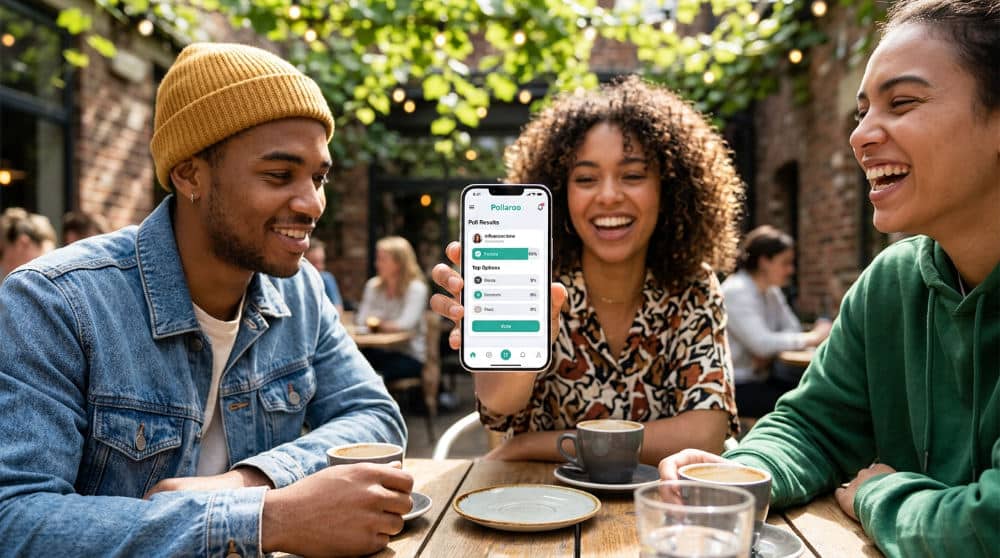
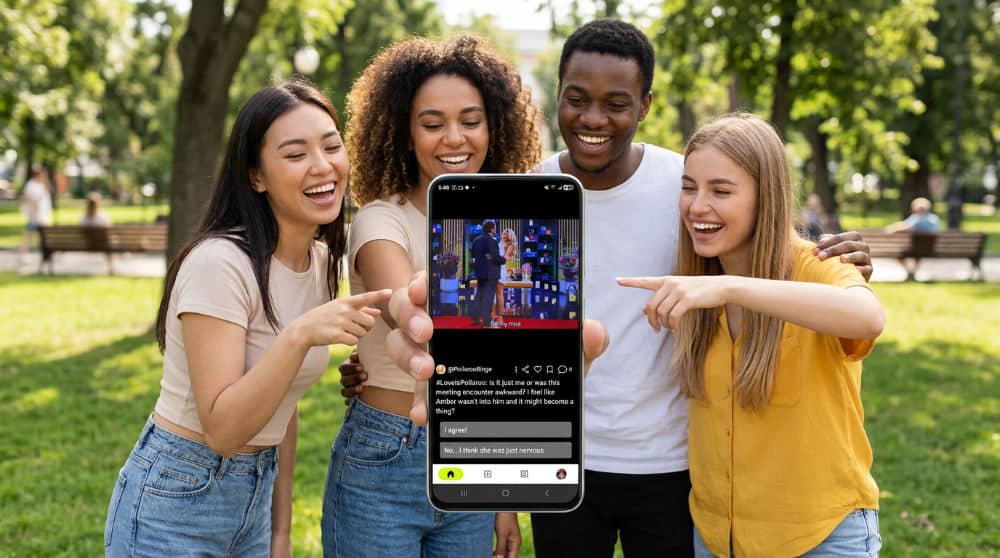
Open the Pollaroo app to gather nationwide opinions on your images in real-time. This is a massive step up from waiting hours for a few likes on a standard feed. If you are trying to decide between two different social media images for a brand launch, upload them both. Get immediate, unbiased results from a massive community. The anonymity feature is crucial. It encourages participants to vote based on genuine preference.
3. Apply a platform-specific size guide to prevent awkward cropping.
Standardize your dimensions for each network. This ensures your visual story remains coherent across different devices. Nothing kills a professional look faster than a head being chopped off or text being obscured by a "like" button. Consult the latest design guides to adjust for updated platform aspect ratios and UI changes. Staying updated on these dimensions ensures that your critical text or poll options stay within the appropriate display areas.
The square 1:1 ratio remains a standard for feed stability. It is especially useful for professional platforms like LinkedIn. However, for stories and immersive mobile experiences, you must use vertical 9:16 ratios. Look at your graphic through a mobile lens before you post to ensure no visual data is lost. If you are building a photo poll, verify that the most important part of the picture is centered. Check it twice.
4. Use high-resolution stock photography to maintain standards.
Sharp visuals signal brand authority. They show technical competence to a discerning digital audience. The quality of your imagery acts as a proxy for the quality of your brand. Using low-resolution or pixelated files can make even the best message seem untrustworthy. Utilize high-quality assets to maintain clarity on high-density mobile screens. These high-resolution files remain sharp even when users zoom in or when platforms apply their own compression algorithms during the upload process.
The content of the photo matters for engagement. We recommend selecting images with natural lighting to increase the perceived authenticity and trust of your brand. Dark, moody, or overly filtered stock photos often feel fake to modern audiences. Always ensure assets are licensed for commercial use to avoid legal complications. Using a reputable source for your social media images ensures that you have the right to use the content while maintaining a high aesthetic standard.
5. Incorporate vector graphics and SVGs for scalable icons.
Vector formats ensure that your branding elements look perfect regardless of how much a user enlarges their screen. Photos are great for emotion. Icons and logos need absolute precision. Utilize scalable vector files to ensure icons remain crisp across various screen zoom levels or device resolutions. Unlike raster formats, vector graphics are designed to maintain quality when scaled up, making them perfect for brand marks.
Match vector styles to your brand’s existing design language to maintain visual consistency. Avoid overly complex graphics that may slow down poll loading times on mobile data. A lightweight vector file loads almost instantly. This is vital for real-time polling where a one-second delay can cause a user to keep scrolling. Keeping your graphics sharp and your load times low provides a smoother experience for your audience. Speed is everything.
6. Prioritize high-contrast backgrounds to make text pop.
Readability ensures that users can process your message instantly without mental fatigue or eye strain. If a user has to squint to read your poll question, they will skip it. Use solid color backgrounds or bokeh-effect photography to reduce visual noise and highlight your message. Bokeh (the soft blur in the background of a photo) is particularly effective because it guides the eye toward the sharpest part of the image. This technique ensures the subject remains the undisputed focal point.
Color choice also plays a psychological role. Select images with a dominant primary color to evoke specific responses. For maximum readability on polling apps and small mobile displays, pair dark overlays with light text. This high-contrast approach ensures that your content is accessible even for users who have their screen brightness turned down. When you make your content easy to consume, you naturally increase the likelihood that someone will participate in your social polling activities.
7. Utilize PNG files with transparent backgrounds for layered designs.
Transparency allows for complex layering. It makes your subject stand out from the background interface. To achieve a modern look, use PNG (Portable Network Graphics) for subject cutouts. This raster-graphics file format supports transparency. You can drop a person or product onto a custom brand-colored canvas without a messy white box around them. Layering text behind these transparent subjects creates a 3D depth effect.
Technical performance is just as important as aesthetics. Keep file sizes small to ensure instant rendering during real-time voting sessions. Heavy assets can frustrate mobile users on slow connections. When sourcing these assets, you can find a vast library of royalty-free social media photos that are already formatted for easy editing. Using transparent layers gives you the flexibility to place your poll questions in the most readable areas of the frame.
8. Experiment with PSD templates for consistent poll branding.
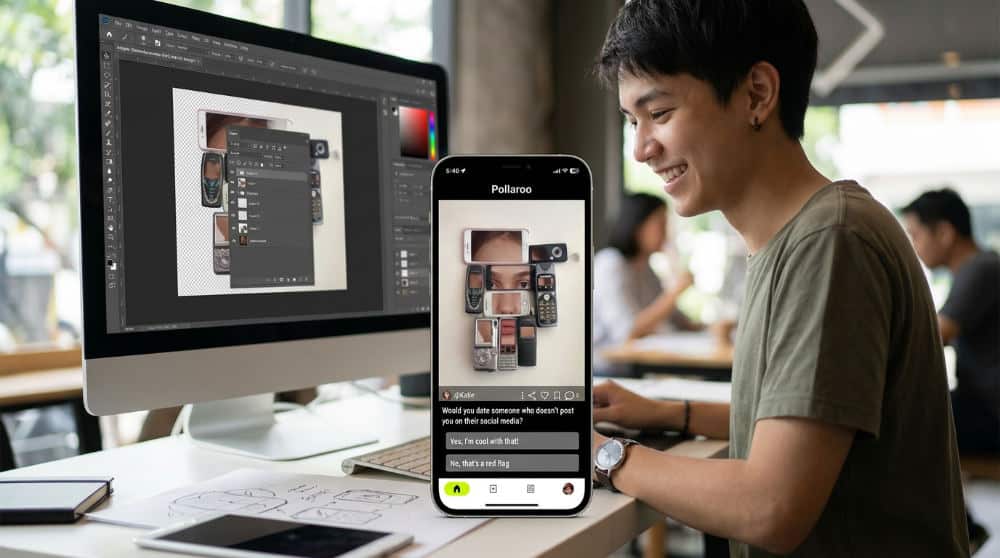
Templatization speeds up your workflow. It maintains a distinct visual signature for your community. Consistency builds trust. The most efficient way to maintain a recognizable visual identity is to create a reusable PSD (Photoshop Document) template. By using a layered image file, you can fix your logo and text positions. This ensures every poll in a series feels like part of a cohesive campaign. This allows you to batch-produce social media pictures for weekly poll series.
Pay close attention to the layout of interactive elements when designing your template. Ensure there is consistent padding around the edges of your design to avoid critical content being cut off by diverse mobile UI elements. This is particularly important for photo polls where the user needs to see the full context to make an informed choice. By standardizing your margins and font sizes within a master template, you guarantee that your brand looks professional across all devices.
9. Leverage AI-generated imagery for hyper-specific poll scenarios.
AI tools allow you to visualize concepts that would be impossible or too expensive to photograph in the real world. Sometimes, the perfect image simply does not exist in a traditional library. In these cases, generate custom visuals for niche questions where standard stock photos fall short. This technology allows you to create hyper-specific scenarios to drive engagement in your social polling. It is vital to identify and exclude low-quality AI artifacts to maintain a polished and professional brand look.
Ethics and transparency are paramount when using synthetic media. Clearly label AI images to maintain transparency and trust with your voting community. Many users appreciate knowing the origin of the content they are interacting with. When you need a break from AI, browse social media design inspiration on Pinterest to see how other creators are balancing synthetic and organic visuals. Using AI as a tool for creativity rather than a shortcut for quality helps you produce unique content that sparks conversation. Download Pollaroo today to start putting these visuals to the test.
Key Takeaways
- Optimize for Mobile First: Use vertical (9:16) or square (1:1) ratios to occupy the most screen space on mobile devices.
- Drive Engagement with Polling: Use Pollaroo to turn static images into interactive, anonymous photo polls that encourage honest feedback.
- Maintain High Resolution: Always use sharp, high-quality images and vector graphics to establish brand authority and technical credibility.
- Prioritize Readability: Utilize high-contrast backgrounds and transparent PNG layers to ensure text and call-to-action buttons are easy to read.
FAQ
What is the best image size for social media? The "best" size depends on the platform, but for most mobile-first environments, a 9:16 vertical ratio (1080×1920 pixels) or a 1:1 square ratio (1080×1080 pixels) is ideal for capturing maximum screen space.
How can I make my social media images more interactive? You can make images interactive by using them as the basis for photo polls. Pollaroo allows you to upload multiple images and ask your audience to vote on their favorite, providing real-time data and engagement.
Why should I use PNG files instead of JPEGs? PNG files are superior when you need transparent backgrounds or layered designs. They allow you to place subjects over custom branding without the white border often found in JPEG files.
Can I use AI-generated images for my brand? Yes, AI-generated images are great for specific or imaginative scenarios that stock photos can’t cover. However, always ensure they are high quality and transparently labeled to maintain trust with your audience.