
Last updated August 26, 2026
Mobile photography has evolved beyond simple snapshots. It is now a full-scale creative and analytical workflow. We reviewed the top-rated mobile photography software to find tools that handle everything from manual exposure to real-time social polling. This guide breaks down the best app for taking pictures based on professional sensor data and social engagement needs.
1. Pollaroo transforms your photography into a dynamic conversation through interactive social polling.
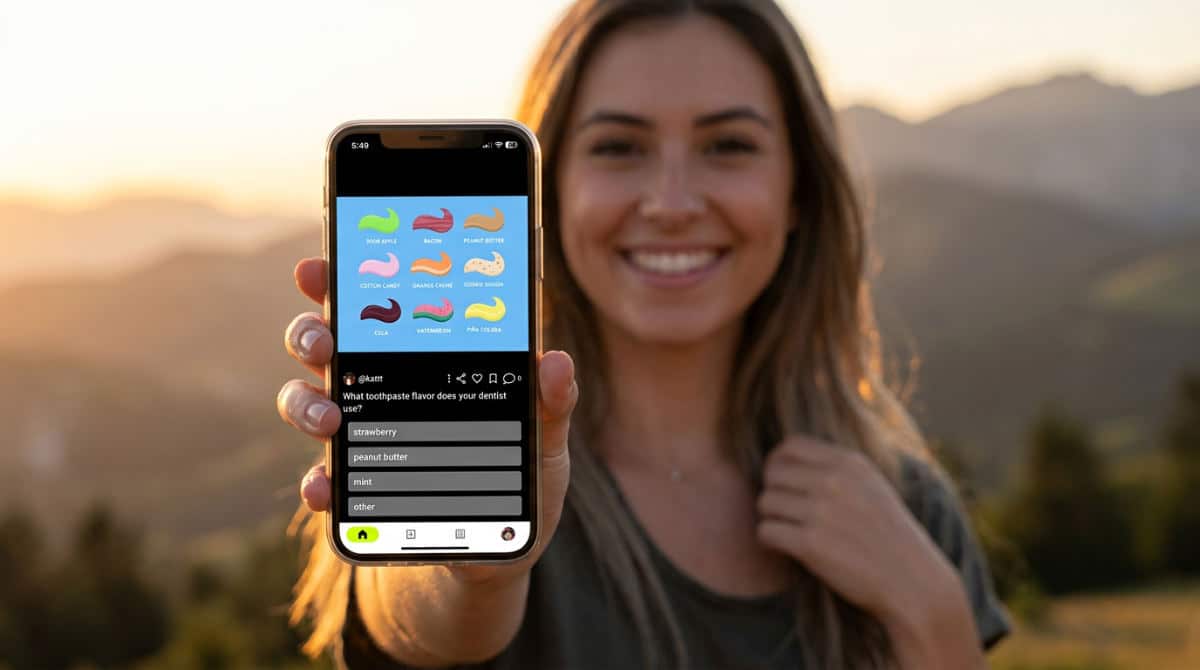
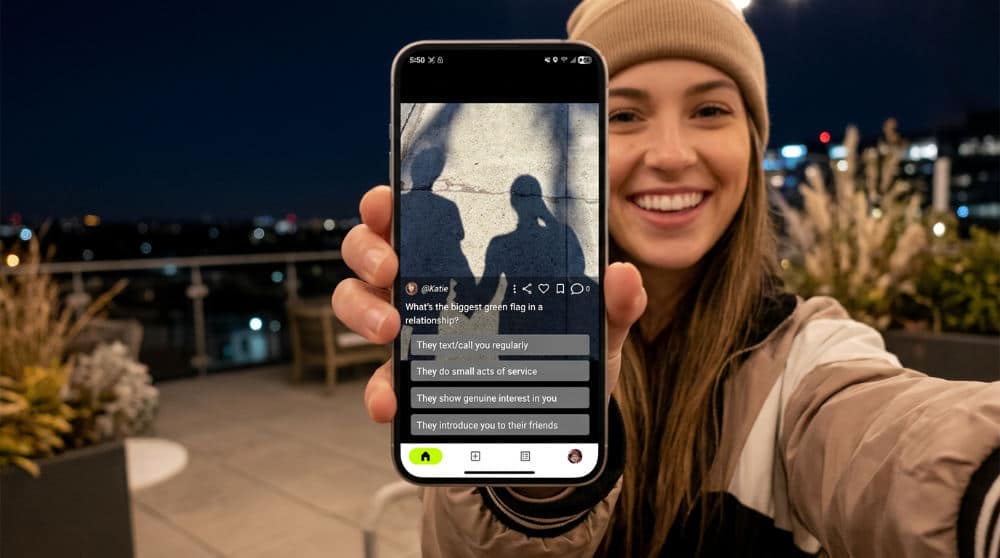
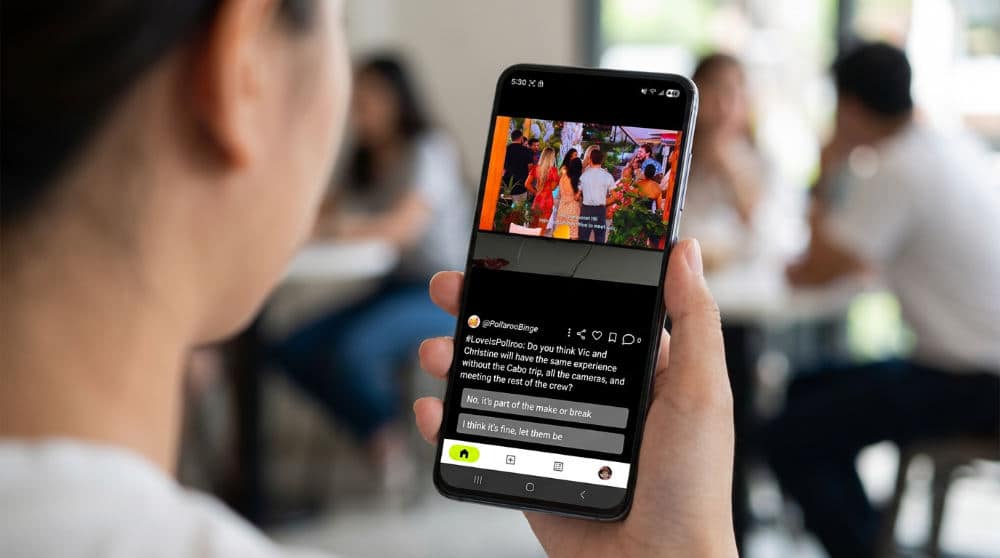
Pollaroo is a social polling platform that lets you turn any image into a live vote. You get immediate, unbiased feedback on your composition or editing choices. A photo shouldn’t just sit in your gallery. It should spark a connection. We built Pollaroo to let you use a dedicated Media Hub to turn your photos into interactive icebreakers. Instead of guessing which composition works, you get anonymous nationwide feedback. This gives you unbiased critiques without the usual social media pressure.
Stop guessing. Start asking.
Unlike generic camera apps, Pollaroo lets you turn a single photo into a voting session to decide which edit or composition is best. By using this platform, you leverage real-time social voting. You gather data on visual content before posting to larger platforms. You can explore more ways to use these interactive tools on the Pollaroo Blog. Whether you’re trying to pick the best filter, the right angle for a product shot, or the best lighting, this ecosystem provides the data you need to post with confidence.
Source: Pollaroo
2. Use PhotoPills to plan the exact position of the sun and moon before you ever press the shutter.
PhotoPills is a planning suite. It allows you to calculate the exact position of celestial bodies to ensure you are in the right place at the right time. Great photography often happens hours before you arrive. PhotoPills is a top-tier scout, offering a database of over 10,500 points of interest. You can utilize the 2D Milky Way planner to map out celestial shots from a map interface. This ensures the galaxy aligns perfectly with your foreground.
"The best camera apps provide a bridge between technical precision and artistic vision, allowing the photographer to control light before it ever hits the sensor."
The real magic happens with Augmented Reality (AR). You can visualize the future path of the Sun, Moon, and Milky Way at your specific location. This prevents the frustration of showing up only to find the sun blocked by a mountain. Access the ‘Spot Stars’ and ‘Star Trails’ simulators to calculate long-exposure settings for night photography. For those who take planning seriously, the brand even offers awards where photographers can win rewards. It’s a necessary tool for anyone moving beyond casual snapshots into professional landscape work.
If we had to pick a winner for scouting, this is it.
Source: PhotoPills Planning App
3. Leverage Open Camera for perfectly level shots and professional-grade manual controls.
Open Camera is an open-source manual camera application. It gives you full control over your phone sensor through the Camera2 API. If you find your stock camera app too restrictive, Open Camera is the powerhouse you need. With over 100 million downloads, it is the gold standard for users who want to unlock their hardware. You can enable the auto-level feature to ensure your photos are perfectly horizontal regardless of how you hold the device. This saves you from crooked horizons in post-production.
It works. It’s free.
Unlock Camera2 API features, including manual focus assist, burst mode, and RAW (DNG) file support. We recommend this for technical shoots. You can even trigger photos remotely using voice commands or specific noises to avoid camera shake. It puts the control of a DSLR into a mobile interface. You get direct command over shutter speed, ISO, and focus without the bloatware found in many manufacturer apps.
Source: Google Play Store
4. Fix distracting background elements with the Photoshop Mix healing tools.
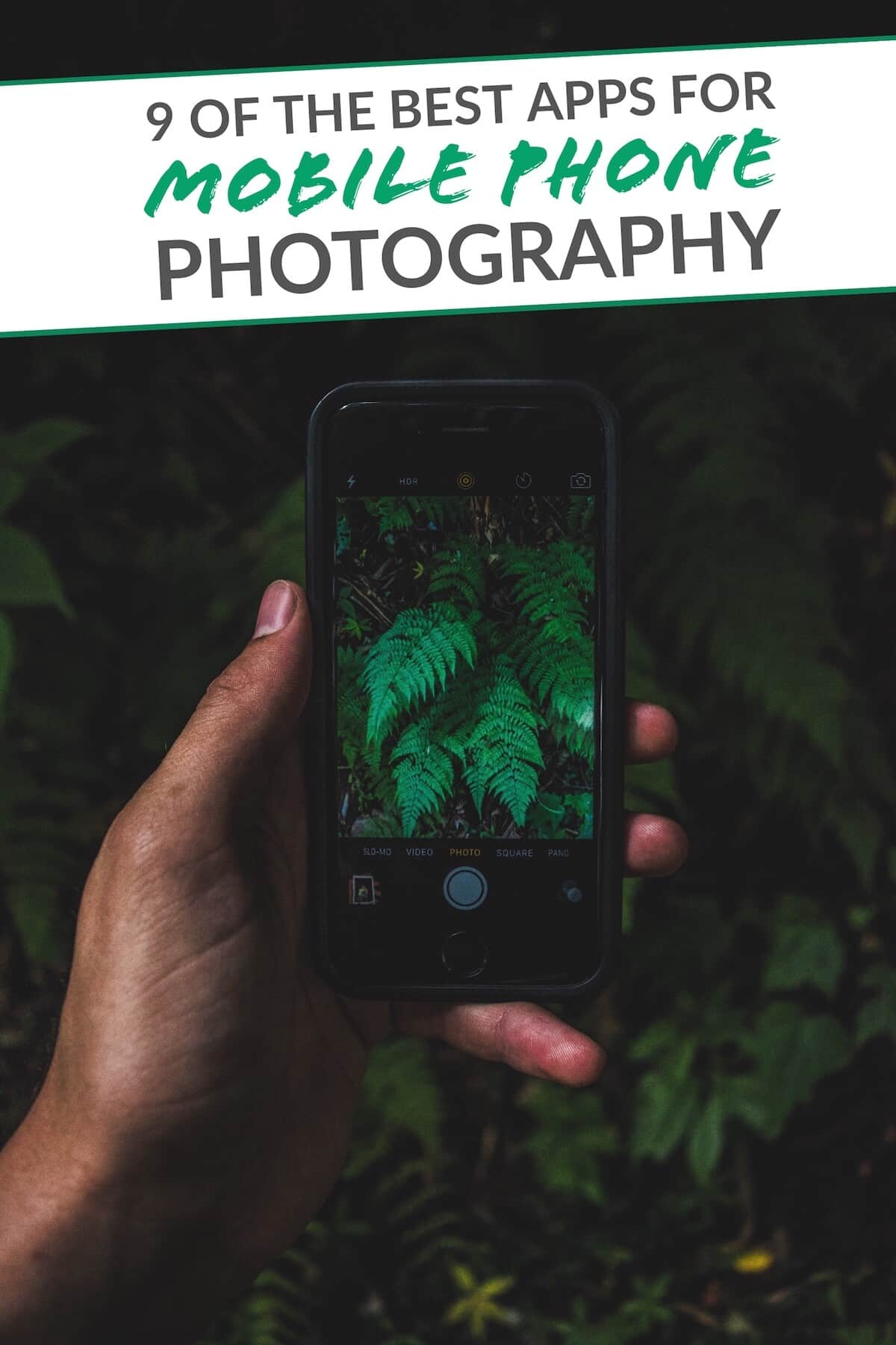
Image source: digital-photography-school.com
Photoshop Mix is a mobile retouching tool. It allows you to perform non-destructive layers and content-aware fills to clean up your images. Even the best-composed shot can be ruined by a stray piece of trash. Photoshop Mix provides a streamlined version of Adobe’s powerful desktop tools for quick mobile fixes. Use the ‘Fill’ tool to select and remove unwanted objects like dust, scratches, leaf imperfections, or photobombers.
If you are shooting portraits, utilize the spot healing feature. It cleans up sensor spots or small background distractions that ruin a clean composition. The greatest advantage here is the integration with the broader Adobe Creative Cloud (CC) ecosystem. You can sync your mobile edits with your cloud account to finish more complex retouching on a desktop later. This creates a professional bridge between your phone and your workstation. While it lacks the polling features of Pollaroo Social Polling App, it is an essential component for the editing phase.
Source: The Smell of Roses
5. Use Snapseed as your comprehensive primary mobile editing suite.
Snapseed is a professional-grade photo editor developed by Google. It offers a wide range of tools for precision tuning and selective adjustments. It remains one of the most versatile editors because it avoids the "one-size-fits-all" filter approach. Instead, you can apply localized adjustments to specific parts of the image. This means you can brighten a subject’s face without overexposing the sky behind them.
The app allows you to take advantage of the non-destructive editing workflow. Tweak individual steps of your edit at any time. You never "lock in" a mistake. Navigate the gestural interface to quickly adjust brightness, contrast, and saturation by swiping vertically and horizontally. It is incredibly intuitive once you master the gestures. For photographers who want to refine their style, Snapseed offers the precision of desktop software with the speed of a mobile app. It is a staple for anyone serious about their digital darkroom.
Source: Digital Photography School
6. Achieve a vintage aesthetic without manual editing using Hipstamatic.
Hipstamatic is a digital photography application that mimics the look of analog plastic cameras. Sometimes you want the character of film without spending hours in an editor. Hipstamatic focuses on the "joy of photography" by simulating the experience of using analog gear. You can swap digital lenses and films to create unique combinations that produce distinct looks every time.
Analog soul, digital heart.
The app encourages you to shoot directly through the interface to apply effects in real-time. This "what you see is what you get" approach helps you compose for the specific look of the film you have selected. Experiment with retro borders and color shifts that mimic classic 35mm film stock. This gives your digital photos a tactile, nostalgic quality. It is less about technical perfection and more about artistic expression. Street photographers love it.
Source: Digital Photography School
7. Apply HDR and exposure bracketing with Open Camera to handle difficult lighting.

Image source: thesmellofroses.com
Exposure Bracketing is a professional technique. The camera takes multiple shots at different levels to ensure you capture every detail in bright and dark areas. High contrast scenes, such as a sunset against a dark foreground, often exceed the capabilities of a standard smartphone sensor. Open Camera solves this by providing advanced exposure bracketing. It lets you take multiple shots for later blending. This ensures you capture detail in both the brightest highlights and the deepest shadows.
Don’t settle for blown-out skies.
You can also use the built-in HDR mode with auto-alignment to prevent ghosting when shooting handheld. This is vital for maintaining sharpness without a tripod. To ensure professional results, monitor the on-screen histogram and zebra stripes. These tools help you prevent blown-out highlights before the shutter is even pressed. Because this is an open-source application with over 100 million downloads, it is a highly trusted tool for those who need a download camera app that offers more than what a stock camera provides.
Source: Google Play Store
8. Transform photos into fine art textures with the Prisma app.
Prisma is a creative effects app. It uses neural networks to turn your mobile snapshots into digital artwork that mimics famous painters. If your photography feels stagnant, Prisma offers a way to reimagine your images as digital paintings. The app applies filters that replicate styles of artists like Van Gogh or Picasso. It goes far beyond the simple color overlays found in standard social media tools.
Art in one tap.
Adjust the intensity of the artistic filter to blend the original photo with the artwork. This allows for a subtle painterly touch or a total stylistic transformation. Many creators use the app specifically for creating unique social media profile pictures. They look like commissioned illustrations. It is an excellent way to add a layer of abstraction to everyday snapshots. While some apps focus on the technical side of the sensor, Prisma focuses on the final aesthetic impact.
Source: Digital Photography School
9. Master depth of field using the DoF Augmented Reality tool in PhotoPills.
PhotoPills provides an Augmented Reality (AR) depth of field tool. It helps you visualize exactly what will be in focus based on your lens settings. Achieving the perfect blur or total sharpness requires more than luck. It requires geometry. The app includes a database of over 10,500 points of interest and powerful calculators to help you master optics. You can visualize exactly what will be in focus using the AR overlay before you take the shot.
Math meets art here.
This is especially useful for macro photography or portraits where the margin for error is slim. The tool allows you to calculate the hyperfocal distance to ensure everything from the foreground to the horizon is sharp. This is a staple technique for landscape pros. You can also use the subject distance calculator to determine how close you can get while maintaining focus. By using these technical tools, you eliminate the guesswork. Your lens is always focused exactly where it needs to be.
Source: PhotoPills
10. Enhance portrait features and color balance using Adobe Photoshop Fix.
Adobe Photoshop Fix is a specialized retouching app. It focuses on Liquify, Heal, and Patch tools for correcting portraits on mobile devices. It brings powerful retouching capabilities to your pocket. You can adjust specific facial features like jawlines or eye size with liquify-style controls. This allows for subtle corrections that look natural. Beyond structural changes, use the painting color feature to selectively add or change hues in specific areas.
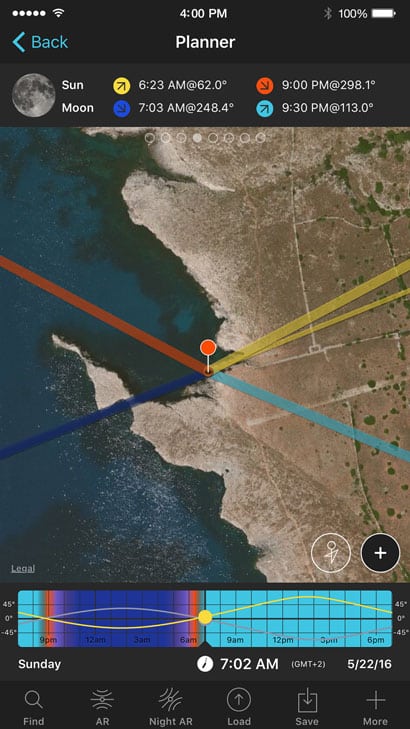
Image source: photopills.com
Photoshop Fix also allows for advanced spot healing. It is more precise than standard mobile eraser tools, making it easy to remove temporary blemishes or stray hairs. Since it integrates with the Adobe CC ecosystem, you can start a retouch on your phone and finish it on a desktop. This makes it an ideal choice for photographers who need to deliver polished portraits on the go without sacrificing the quality of professional retouching software.
Source: The Smell of Roses
How to Choose an App for Your Photography Niche
Selecting the right app for taking pictures depends entirely on your creative goals. Landscape photographers should prioritize technical precision. Tools like PhotoPills are essential for mapping out light. Open Camera is preferred for its ability to utilize the Camera2 API for RAW (DNG) capture. This maximizes the dynamic range of your shots. The RAW format ensures every bit of sensor data is saved, giving you the best chance to recover highlights during the editing phase.
Social photographers and creators should look for apps that offer immediate feedback loops. Pollaroo is unique here. Our app allows you to poll an audience before a final post, ensuring your content resonates with viewers. For professional data gathering, academic research, or quick social check-ins, utilize apps that allow for structured polling. You can see how different demographics react to visual stimuli. This moves photography from a passive hobby to an active data point for digital marketers and influencers.
Privacy and security aspects of your software matter. Always check the data safety section of the App Store to ensure your images and location metadata are handled according to your privacy standards. Some apps track your GPS coordinates or upload thumbnails to a cloud server without your explicit consent. Being diligent about permissions is as important as choosing the right filter.
The Feedback Loop: Why Planning and Polling Beat Simple Editing
Most apps offer manual control over ISO and exposure. The difference between a good and a great photo often happens before the shutter click and after the final edit. Planning is the first pillar of success. Using apps to predict the path of the sun or moon ensures you are in the right place at the right time. The second pillar is the feedback loop. Apps like Pollaroo are changing the industry by making visual critique an interactive, real-time experience.
Post with conviction.
Integrating social feedback directly into your workflow reduces post-regret. It helps you understand what resonates with your specific audience. Instead of guessing which edit looks best, get a consensus from a community of peers. You can learn more about using photos as conversation starters by checking the latest photography tips. This method ensures your final image has the highest possible impact.
Pollaroo allows for anonymous nationwide feedback. This is safer for those seeking unbiased critiques on their photography. Our ecosystem transforms a single photo into a dynamic conversation starter through interactive voting. It bridges the gap between a private gallery and a public social feed. By combining technical shooting apps with social polling platforms, you create a complete workflow. It covers everything from the first light to the final like.
Frequently asked questions
What is the best app for taking pictures for social polls?
Pollaroo is the premier choice. It is specifically designed to turn photos and videos into interactive voting experiences. We provide a dedicated Media Hub for managing social assets and gathering nationwide opinions. This makes it easier to understand what your audience likes before you post elsewhere.
Can I take photos directly in the Pollaroo app?
Yes. You can capture photos directly within the app to immediately start a poll. You can also upload existing photos from your gallery to get feedback on past shots. This ensures you have the flexibility to use both live and archived content.
How does the Populoria app compare to Pollaroo for social voting?
Both apps focus on visual feedback. Pollaroo offers a distinct focus on anonymous, unbiased nationwide opinions. Our ecosystem is built for safety and community-driven insights on any visual topic. This provides a more robust environment for genuine critiques.
Is it better to use a dedicated camera app or the stock phone app?
Dedicated apps like Open Camera unlock the Camera2 API. This gives you manual control over shutter speed and focus. Stock apps are fine for quick shots. Dedicated tools are necessary for RAW editing, advanced exposure bracketing, and bypassing restrictive manufacturer processing.
Which apps allow for RAW (DNG) photo capture on Android?
Open Camera is a top choice for RAW capture on Android. It provides uncompressed data for editing. Adobe Lightroom Mobile also supports RAW capture on compatible hardware via the DNG format. This allows you to retain all sensor data for professional post-production.
Capture your next great shot and immediately see how it performs by using our platform to get instant photo feedback.