
Last updated August 20, 2026
Choosing the right comparing photos app depends on whether you are looking for pixel-perfect accuracy or social validation. This guide evaluates top tools based on their features and performance, helping you decide which shot is best for professional edits, historical research, or social media engagement.
1. Gather nationwide opinions on photo comparisons with Pollaroo.
When you can’t decide between two profile pictures or brand logos, looking at them side-by-side isn’t always enough. Pollaroo is a social polling platform designed to help users gather opinions on photo comparisons, helping you move beyond personal bias. We built this platform because professional tools can tell you which image has more contrast, but they can’t tell you which one makes you look more approachable. By using our social polling app, you tap into a community of real people who provide the gut-check feedback that algorithms lack.
Our approach specifically caters to breaking through small talk by using photo polls as conversation starters. Instead of asking a friend who might just be polite, you get raw data from a diverse audience. We also offer a dedicated media hub to support a community-driven approach to opinion gathering, ensuring you have the resources to craft polls that get meaningful engagement. When you need to know how the public perceives your visual choices, this is the most effective way to bridge the gap between your intent and their reality.
Source: Pollaroo Social Polling App
2. Highlight invisible changes using the ‘Difference’ mode in Image Compare.
"The Difference mode effectively acts as a digital magnifying glass for the pixels that changed between two versions of an image."
Highlighting invisible changes requires specialized math, such as the Difference Mode which subtracts one image from another to highlight specific changes. The Image Compare app solves this by identifying pixel shifts that the human eye might miss. This process visually reveals only the pixels that have changed, turning a static comparison into a heat map of edits. It is an essential tool for photographers who need to verify how much a specific filter or compression setting has altered the original data.
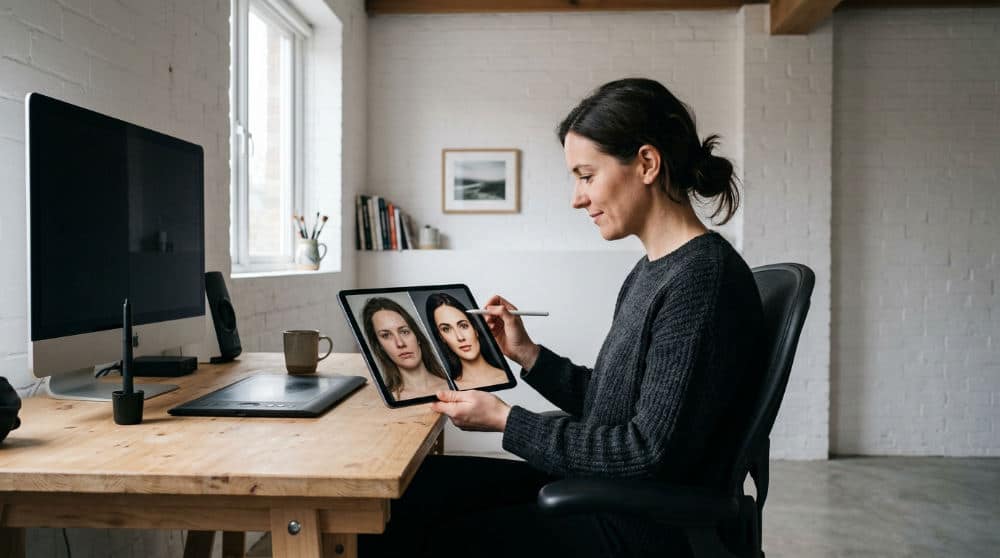
The app includes processing modes for high-resolution inspection, which is critical for those who work with large files. You can even export and save the generated difference image directly to your library to document your workflow. If you are a digital artist or a quality control specialist, using this comparing photos app allows you to see exactly where your work has been modified. It turns subjective observation into objective, pixel-level evidence without requiring expensive desktop software suites.
Source: Image Compare for iOS
3. Perform digital collation of historical texts with VGG Image Compare.
Digital Collation is the process of comparing different copies of the same text to identify variants, a task made simple by professional imaging tools. VGG Oxford, the developer of professional-grade open-source image comparison software, designed this tool for book historians. This allows researchers to overlay scans of ancient manuscripts or early printed books to spot tiny differences in music notation or typography. Even a slightly shifted comma or a worn piece of lead type can change the historical interpretation of a work.
One of the best features of this tool is that it works as a standalone tool in-browser without requiring any local installation. This is a massive benefit for researchers working in libraries or archives with limited internet access. By using toggle visualizations, you can rapidly switch between two images to see "ghost" differences that pop out during the transition. Whether you are studying the evolution of a 17th-century map or verifying a rare edition, this software provides the technical rigor needed for academic validation.
Source: VGG Image Compare Tool
4. Create professional before-and-after collages with Oddy Side by Side.
Oddy Side by Side is a mobile app for creating before-and-after photo collages and pic stitches, making it a favorite for lifestyle bloggers. It offers 19 distinct collage layouts for photo comparison, providing far more flexibility than the standard "split down the middle" view. This variety makes it ideal for comparing specific results like manicures, hairstyles, or diet progress where the angle of the shot matters as much as the subject. You can quickly generate a professional grid without manual alignment.
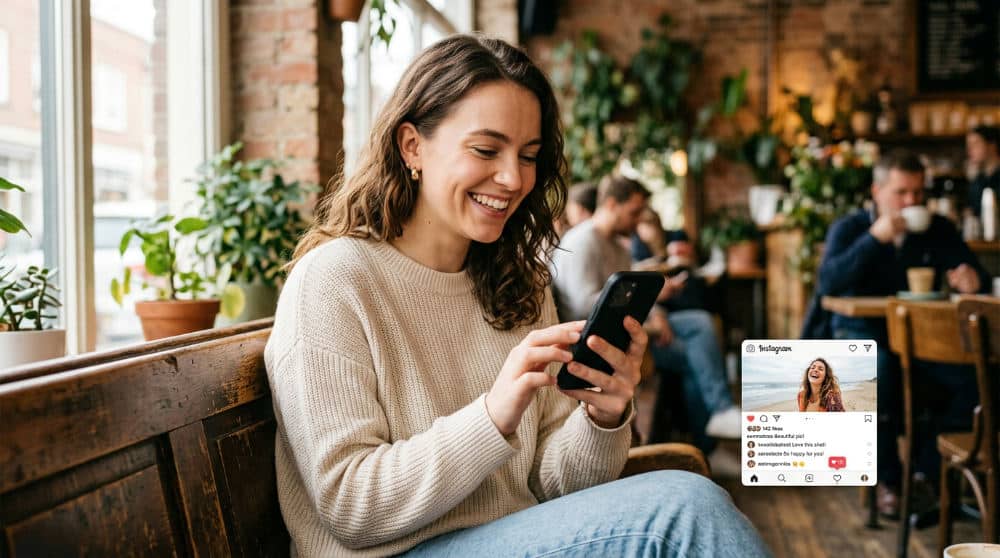
The app also features modes designed for social media ratios, ensuring your comparisons look native to mobile platforms. While our team at Pollaroo focuses on helping you choose the best final shot, a tool like this is perfect for showcasing the journey that led there. It simplifies the technical side of remixing photos, allowing you to focus on the storytelling aspect of your transformation. If you need a clean way to present two states of a project, this mobile-first solution is highly effective.
Source: Google Play Store
5. Utilize a slider interface for smooth before-and-after photo editing reviews.
Slider interfaces provide the most intuitive way to review photo edits by allowing you to drag a center divider in real-time. The Image Compare for iOS app implements this perfectly, offering a tactile experience that makes it easy to see the impact of color grading. It is much more effective than flipping back and forth between two separate screens, as your eyes stay locked on the specific area you are evaluating. This method is preferred by retouchers who need to check skin texture changes.
To make the process even more precise, the app includes pinch-to-zoom functionality to inspect specific edits in high detail. This is particularly useful for checking sharpness or noise reduction at the edges of a frame. The app is available for iPhone and iPad and includes interface options that help maintain comfort during editing sessions. It’s a dedicated, lightweight utility for those who need a no-nonsense way to review their post-processing work without the clutter of a full creative suite.
6. Detect image alterations and art restoration details using geometric transformations.
Geometric transformations allow analysts to align photos taken from different angles, which is vital for satellite imagery and art restoration. The VGG Image Compare Tool addresses this with an advanced mode that allows for various transformations to align mismatched photos. This level of geometric correction allows you to "warp" one image to match the perspective of another, helping you identify altered regions in satellite imagery or see how much a painting has degraded or been repaired.
Despite these advanced features, the tool remains a lightweight architecture at less than 2MB, ensuring it loads almost instantly on mobile browsers. This makes it a great resource for field workers or students who need high-end forensic capabilities without bulky software. It provides the mathematical backbone for identifying manipulations that are designed to deceive the human eye. While Pollaroo helps you navigate social opinions on how a photo looks, VGG provides the hard data on how a photo has been changed structurally.
7. Leverage an opacity overlay to check for subtle alignment shifts.
Opacity overlays act as a digital light table, allowing you to see through one image to the one beneath it for alignment checks. By superimposing two images and adjusting the transparency levels, you can see exactly how objects move or expand between frames. This overlay technique makes even the smallest shifts in perspective or scale immediately obvious. It is an essential method for anyone needing to verify that a secondary shot perfectly matches the composition of a primary reference photo in a series.
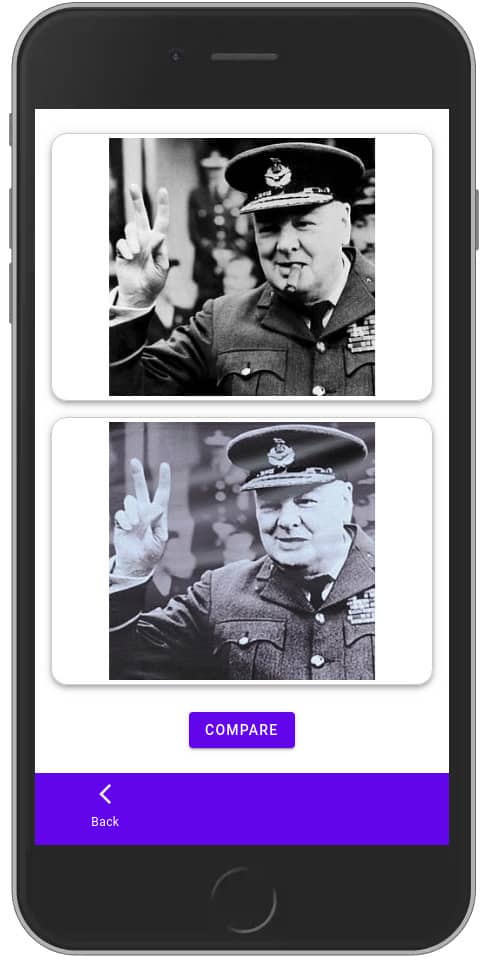
Image source: VGG Image Compare Tool
Privacy is a significant factor when handling personal project data on a comparing photos app. This software emphasizes privacy in its design, processing data locally to ensure sensitive images stay secure. This makes it a safe choice for documenting private property or personal medical progress. Whether you are a scientist or a hobbyist, using an opacity slider provides a level of depth that static grids cannot match for precision tasks.
8. Build YouTube thumbnails using side-by-side outfit comparisons.
For content creators, the visual appeal of a thumbnail determines the click-through rate of their videos. You can remix photos from your library into custom grid sizes specifically designed for video marketing and social feeds. This allows you to create high-impact "this or that" visuals or outfit comparisons that grab attention in a crowded feed. By using specialized layouts, you can ensure that two distinct looks are presented clearly without awkward cropping that often occurs in standard gallery apps.
To further increase engagement, the tool provides features to add creative elements to the comparison. These elements transform a simple photo pair into a dynamic piece of content suitable for mobile social platforms. The app supports saving in high resolution, ensuring your visual quality remains professional when shared. If you are running a business, you might even integrate these visuals into your broader strategy using a sales automation platform to streamline lead conversion. Keeping your imagery crisp and engaging is the first step in building a loyal audience.
9. Identify pixel-level differences on mobile for pixel-peeping tasks.
Pixel-peeping tasks require the ability to zoom into the smallest details of an image to check for artifacts or compression errors. Specialized software now brings this rare mobile functionality to your pocket, allowing for detailed comparisons of high-resolution files. This is particularly useful for digital artists who need to check the alignment between layers or photographers who want to see the minute differences between two similar exposures. You can quickly switch between side-by-side and overlay views to catch anomalies instantly.
The interface is built for speed, allowing you to toggle through different comparison modes without losing your place. This workflow suits professionals who need to verify the integrity of an image while on location. While a community-driven app like Pollaroo is perfect for subjective aesthetic choices, this tool serves the technical side of the creative process. It ensures that every pixel is exactly where it belongs before you hit the export button for a final client delivery or a portfolio update on your website.
10. Enhance photo comparisons with customizable frames and accessibility tools.
Modern photo comparison tools are beginning to prioritize accessibility to ensure inclusivity for all users. Some comparing photos app options now support features like high contrast modes to ensure users with color vision deficiencies can navigate the interface effectively. These apps also include larger text options for users who need better visibility, making the comparison process easier for a wider demographic of photographers and hobbyists. This move toward better UX design makes the software more useful for the general public.
Beyond accessibility, these tools offer customizable frames that help you polish a before-and-after shot before it goes public. Once the layout is perfected, you can take advantage of effortless sharing to social media platforms directly from the comparison screen. This integration reduces the number of steps between finishing an edit and receiving feedback. By combining professional-grade contrast standards with user-friendly social sharing, these apps ensure that your work is both inclusive and highly visible to your target audience across various digital platforms.
How to Choose the Right Comparison Mode in 2026
Choosing a comparison mode requires understanding if you need to detect mathematical changes or social preferences. For technical editing, use a Difference Mode to see exactly which pixels changed during processing. This is vital for verifying that a filter or compression hasn’t introduced unwanted artifacts into your high-resolution files. If your goal is more personal, such as deciding on a new profile picture, opt for Social Voting to gather opinions and break through your own personal bias and social small talk.
If you are working with historical documents or text-based scans, apply Digital Collation. This method is used by book historians to find variants between different editions, ensuring academic accuracy. Finally, always check that your chosen app supports high-resolution processing. Low-quality exports can ruin the impact of a side-by-side comparison, especially if you plan to use the results for professional portfolios or marketing materials. Matching the mode to the task ensures you get the most useful results every time you open your gallery.
Solving Social Indecision with Real-Time Feedback
Visual inspection only goes so far when you are stuck between two great shots. To move beyond your own perspective, you can set up a photo poll to get unbiased feedback from strangers. By using a social polling platform, you shift from technical analysis to understanding how your images resonate with a real audience. This is particularly helpful for choosing outfits, branding materials, or dating profile photos where a second opinion from a diverse group is invaluable.
Utilize real-time voting mechanics to settle debates about photo style or filter choice instantly. Seeing the results update as users cast their preferences gives you a data-driven way to make a final decision. For tips on maximizing your engagement, you can visit the polling media hub to learn how to frame your questions. Always remember to prioritize privacy; use offline tools for sensitive data and social apps when you are ready to engage with the public.
Frequently asked questions
Which app is best for comparing photos?
For social feedback, Pollaroo is a top choice to gather nationwide opinions. For technical accuracy, VGG Image Compare offers professional-grade alignment tools. If you need simple collages for Instagram or personal tracking, Oddy Side by Side provides 19 distinct grid layouts to suit any visual style.
How can I let people vote on which photo looks better?
You can upload two images to a social polling platform to start a comparison thread immediately. Once live, share the poll link across your social media channels to gather diverse perspectives from different communities. Use real-time voting tools to see results update as users cast their preferences.
Is it possible to compare photos without an internet connection?
Yes, tools like VGG Image Compare and the Image Compare iOS app work entirely on-device. Offline tools are ideal for maintaining privacy when comparing sensitive or personal images. Processing happens locally on your hardware, ensuring high-speed results and total data security without any internet consumption.
How do I get feedback from others on which profile picture to use?
Create a "this or that" poll using a social polling app to reach an audience beyond your immediate friends. Leverage community-driven insights to understand which photo projects the desired vibe for your profile. Use nationwide opinions to break through personal bias and receive honest, helpful feedback.
If you are tired of second-guessing your best shots, it is time to get a second opinion. You can try the Pollaroo app today to start your first poll and see which of your photos truly stands out to the community.